best media player germany

Best STB Player For Android TV and Fire TV Stick

Appforce Classic is the Best STB Player For Android TV, built for users who want fast performance, simple navigation, and smooth playback. Enjoy a modern interface, flexible playlist connection, and powerful features across Android TV and Fire TV Stick.

(Note: Appforce Classic Is Not For Mobile Phones)DownloadContact us

Best STB Player For Android TV and Fire TV Stick

Appforce Classic is the Best STB Player For Android TV, built for users who want fast performance, simple navigation, and smooth playback. Enjoy a modern interface, flexible playlist connection, and powerful features across Android TV and Fire TV Stick.

(Note: Appforce Classic Is Not For Mobile Phones)

Available on playstore with name Appforce Classic

playstore icon
best stb player
line icon

A Smarter Way To Enjoy Your Android TV Media Player App

About

line icon Us.

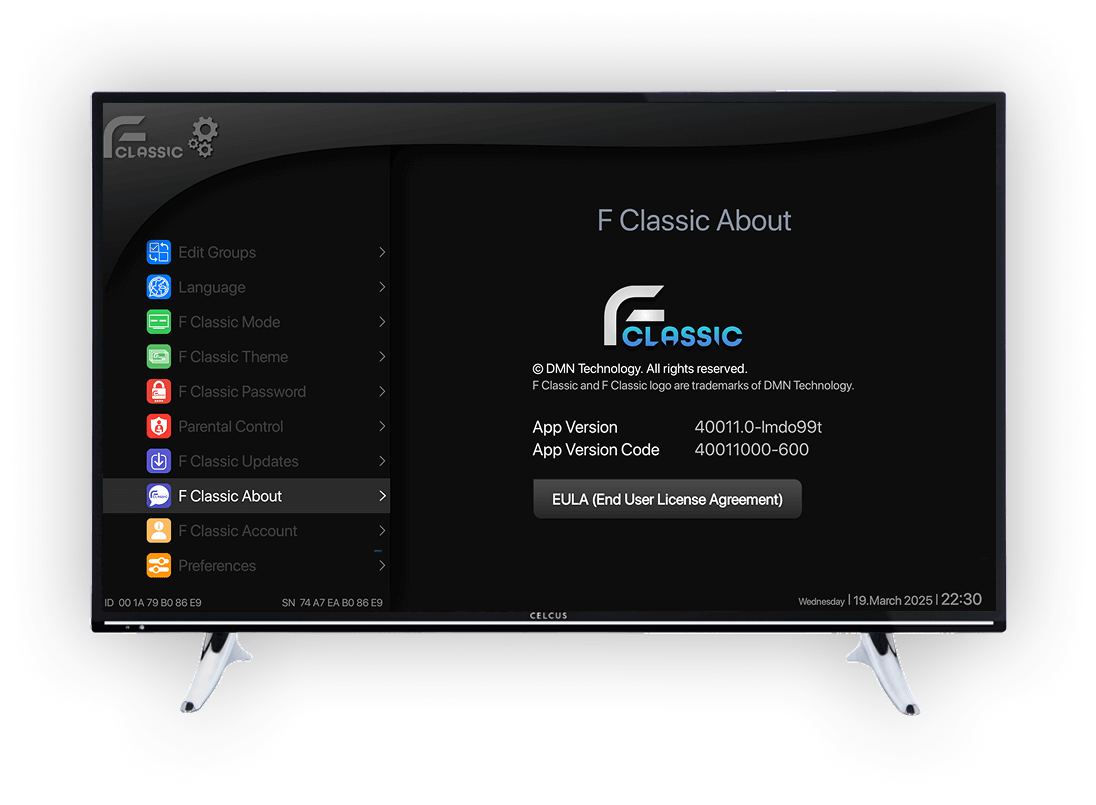
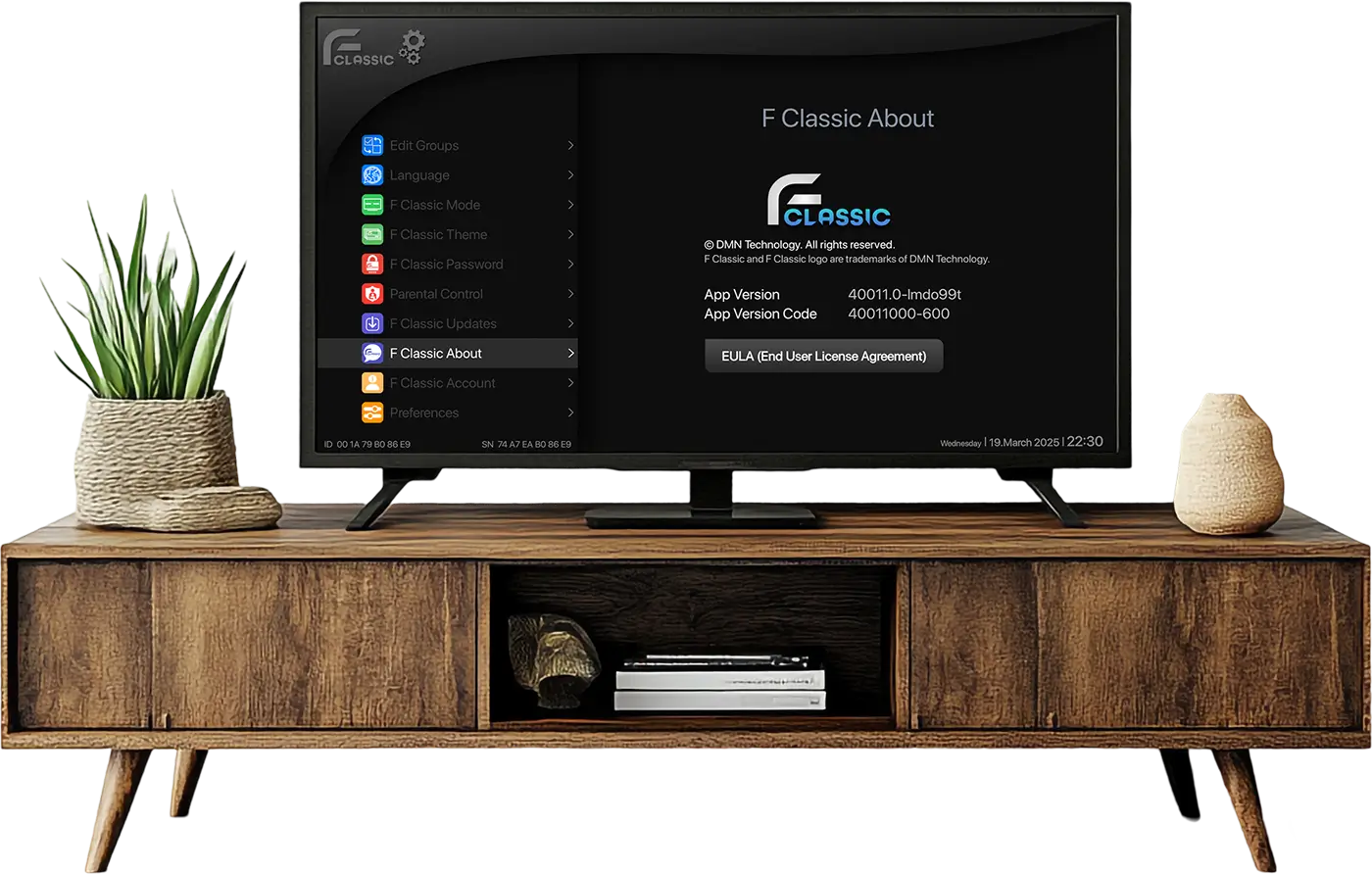
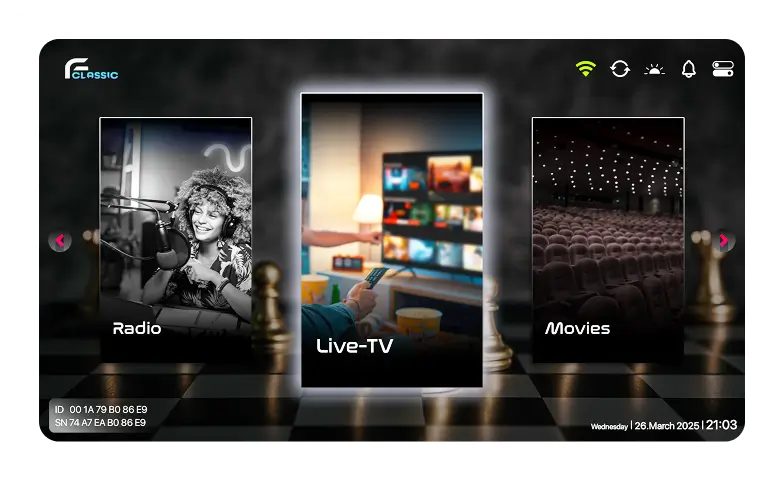
AppForce Classic STB IPTV Player dashboard on TV screen

Appforce Classic is a high-performance M3U Media Player designed for Service Providers With a responsive interface and advanced playback tools, it helps you organise and enjoy your personal media library effortlessly.

line icon

A Smarter Way To Enjoy Your Android TV Media Player App

Appforce Classic is a high-performance M3U Media Player designed for Service Providers With a responsive interface and advanced playback tools, it helps you organise and enjoy your personal media library effortlessly.

AppForce Classic STB IPTV Player dashboard on TV screen
best media player in germany

Download AppForce Classic Now

google-playstore
best media player in germany

Download AppForce Classic Now

google-playstore

Our Connection To Portal Feature

Multiple Ways To Connect Your M3U Playlist

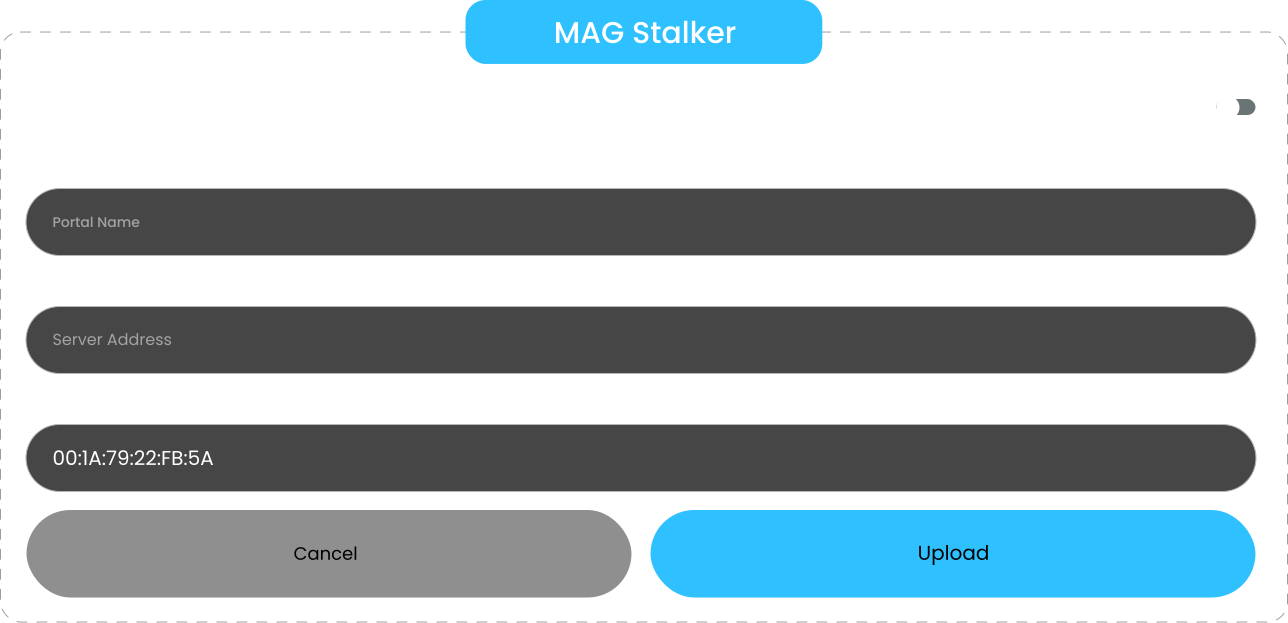
Choose the connection method that works best for you. You can connect your playlist with MAG Stalker Portal an M3U Playlist URL or M3U Xtream. You can even Upload your M3U Playlist for a quick, secure setup.

Mag Stalker

Our Connection To Portal Feature

Multiple Ways To Connect Your M3U Playlist

Choose the connection method that works best for you. You can connect your playlist with MAG Stalker Portal an M3U Playlist URL or M3U Xtream. You can even Upload your M3U Playlist for a quick, secure setup.

Mag Stalker

Use QR Code To Connect

Quick & Easy Connection With QR Code Functionality

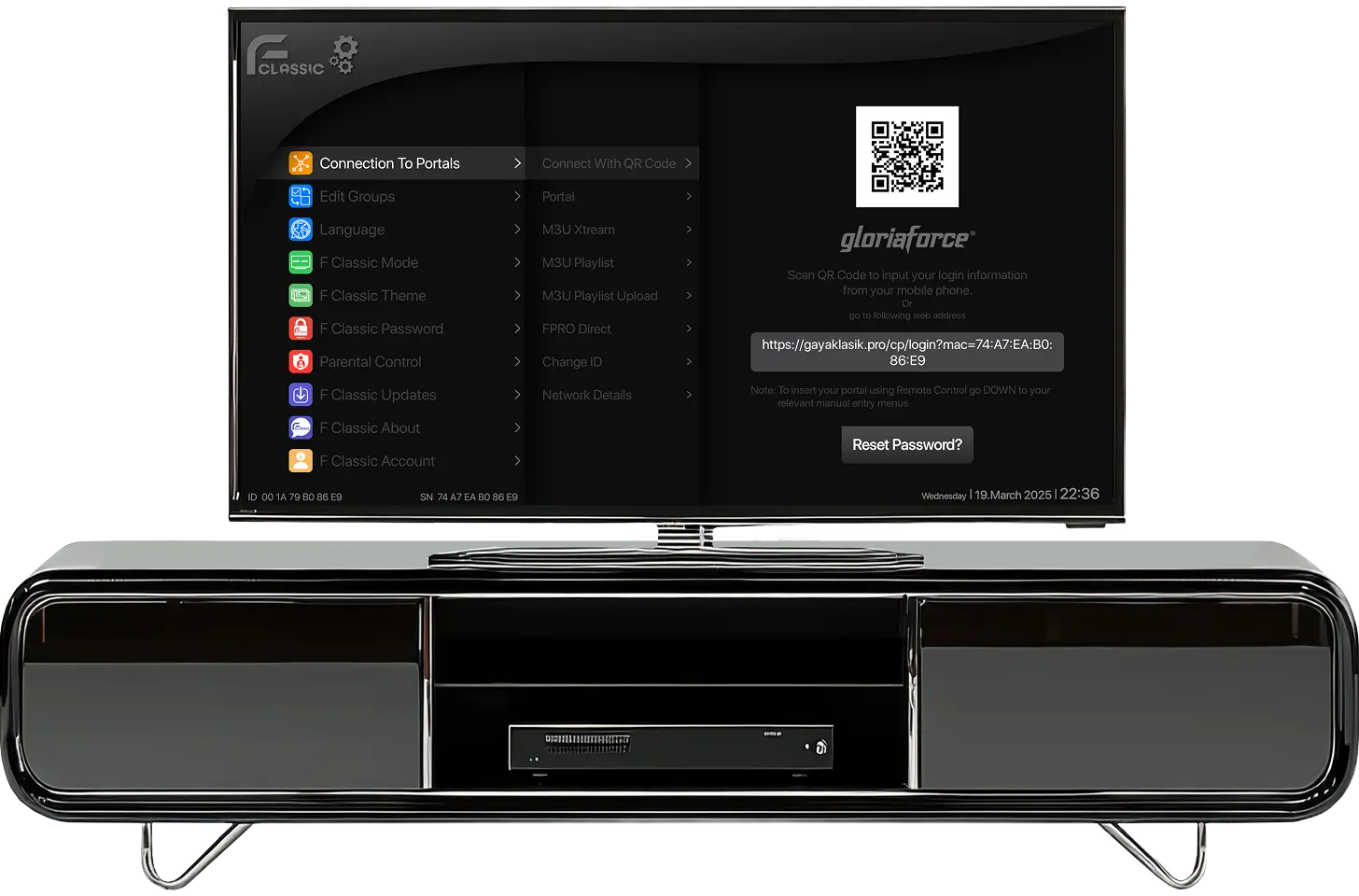
AppForce Classic STB Player settings dashboard on TV

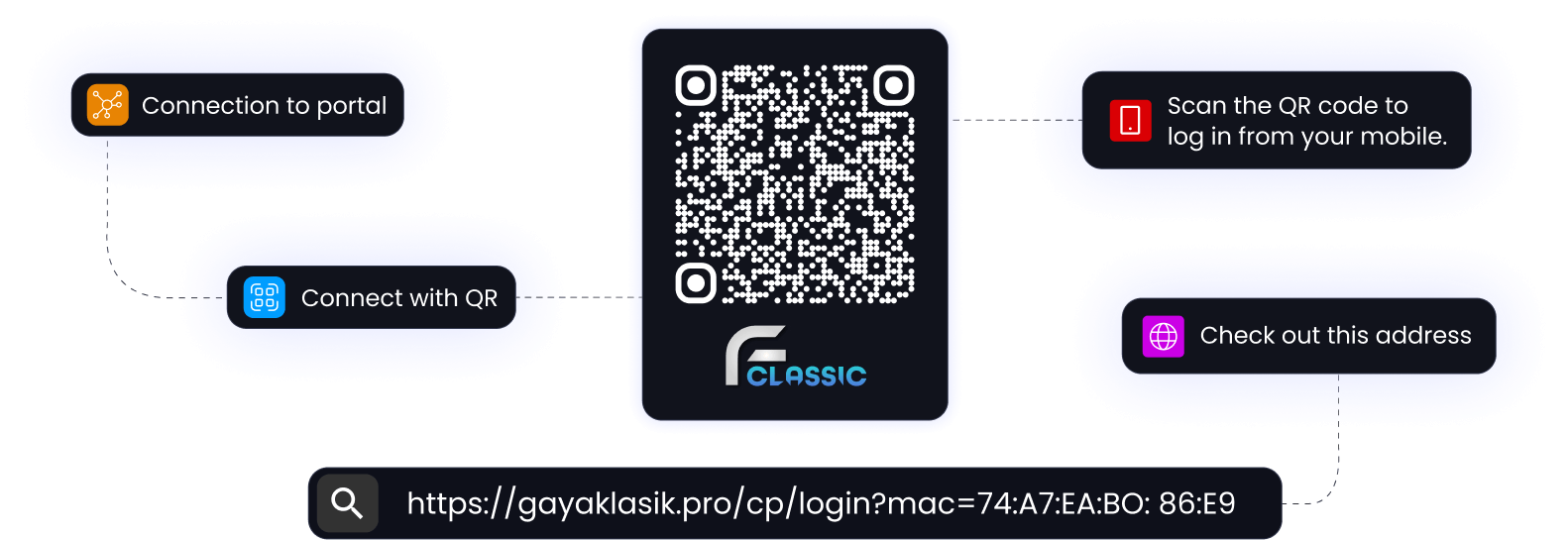
Setting up Appforce Classic is even easier with mobile connectivity. Skip typing with your remote. Scan the QR code and complete the setup from your mobile device for a faster, more convenient connection experience.

Use QR Code To Connect

Quick & Easy Connection With QR Code Functionality

Setting up Appforce Classic is even easier with mobile connectivity. Skip typing with your remote. Scan the QR code and complete the setup from your mobile device for a faster, more convenient connection experience.

Connect To Your M3U Playlist Player Via QR Code Function

Connect Your STB Player to Your Services Provider with a Single Touch

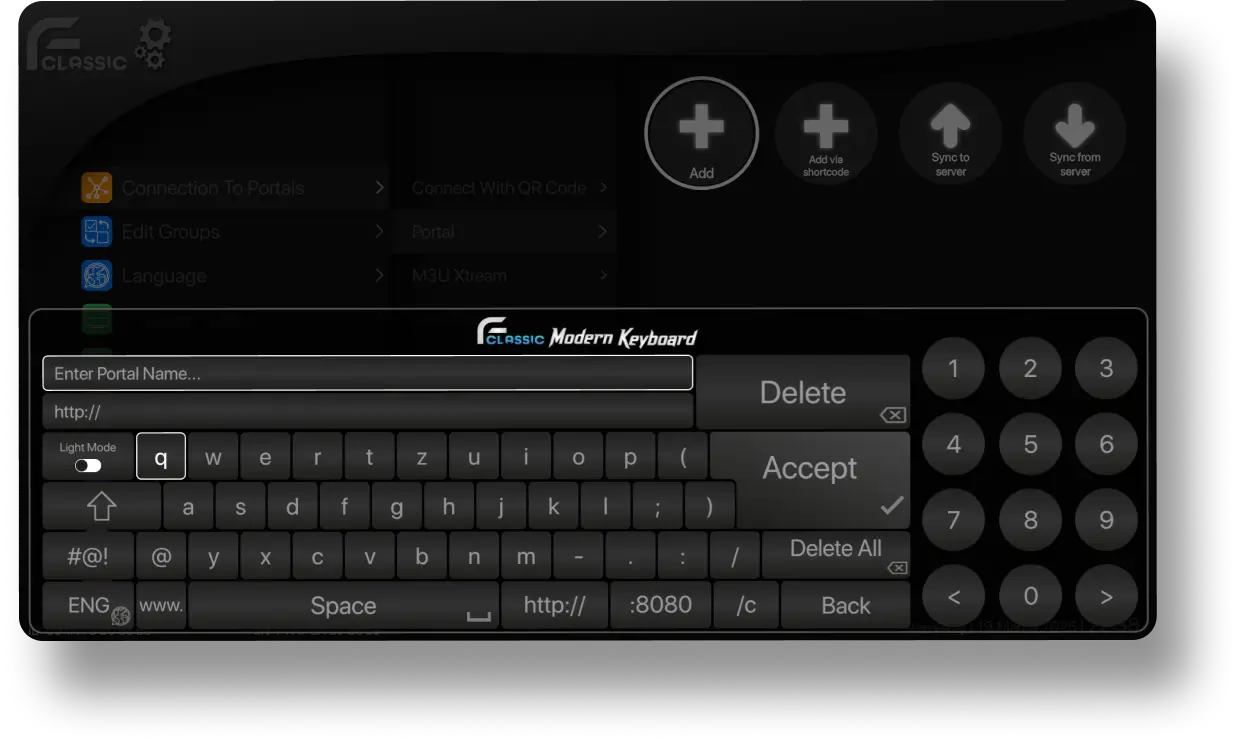
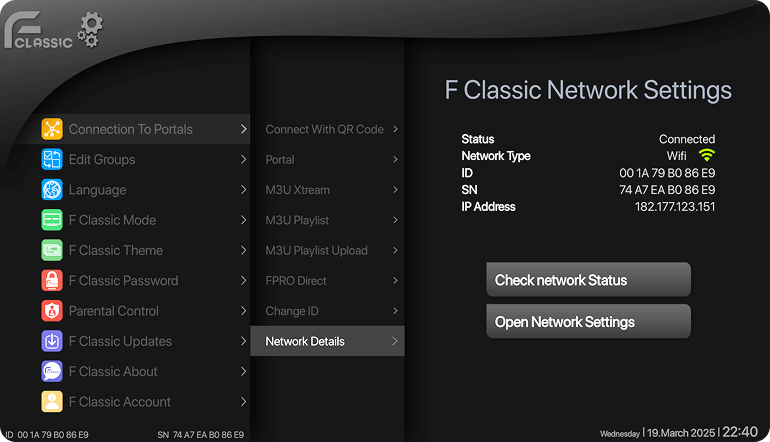
you can connect with your service provider. using Portal, M3U XTREAM, M3U PLAYLIST, M3U PLAYLIST UPLOAD.Use Smart keyboard to add URL or simply connect through QR code using your mobile phone.

Connect Your STB Player to Your Services Provider with a Single Touch

You can connect with your service provider using Portal, M3U XTREAM, M3U PLAYLIST, M3U PLAYLIST UPLOAD. Use smart keyboard to add URL or simply connect QR code using your mobile phone.

Appforce classic modern keyboard
App dashboard showing one-touch service setup for STB IPTV Player
icon

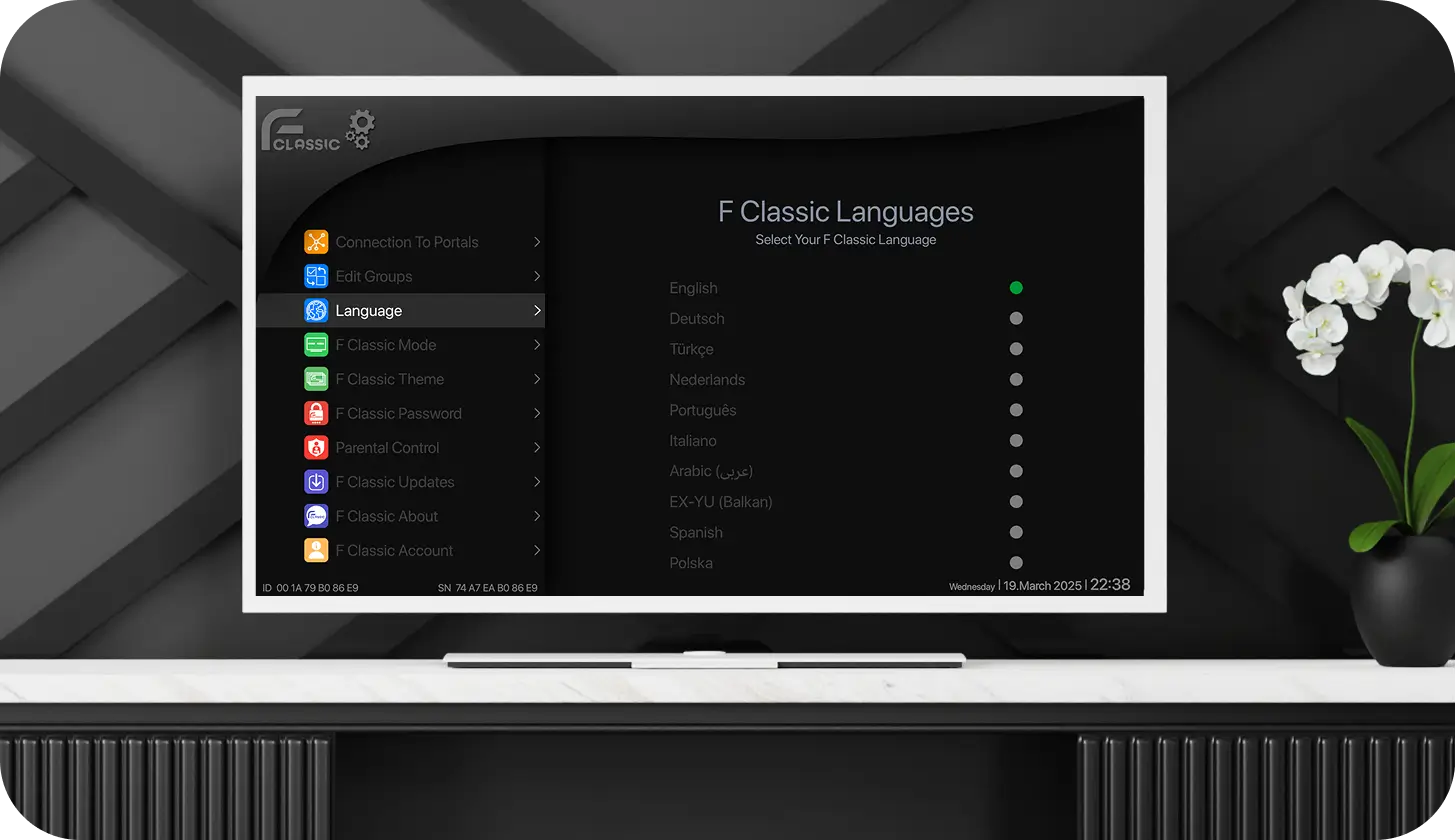
Multi-Language Supported M3U Player

Multi-language Supported Media Player Application

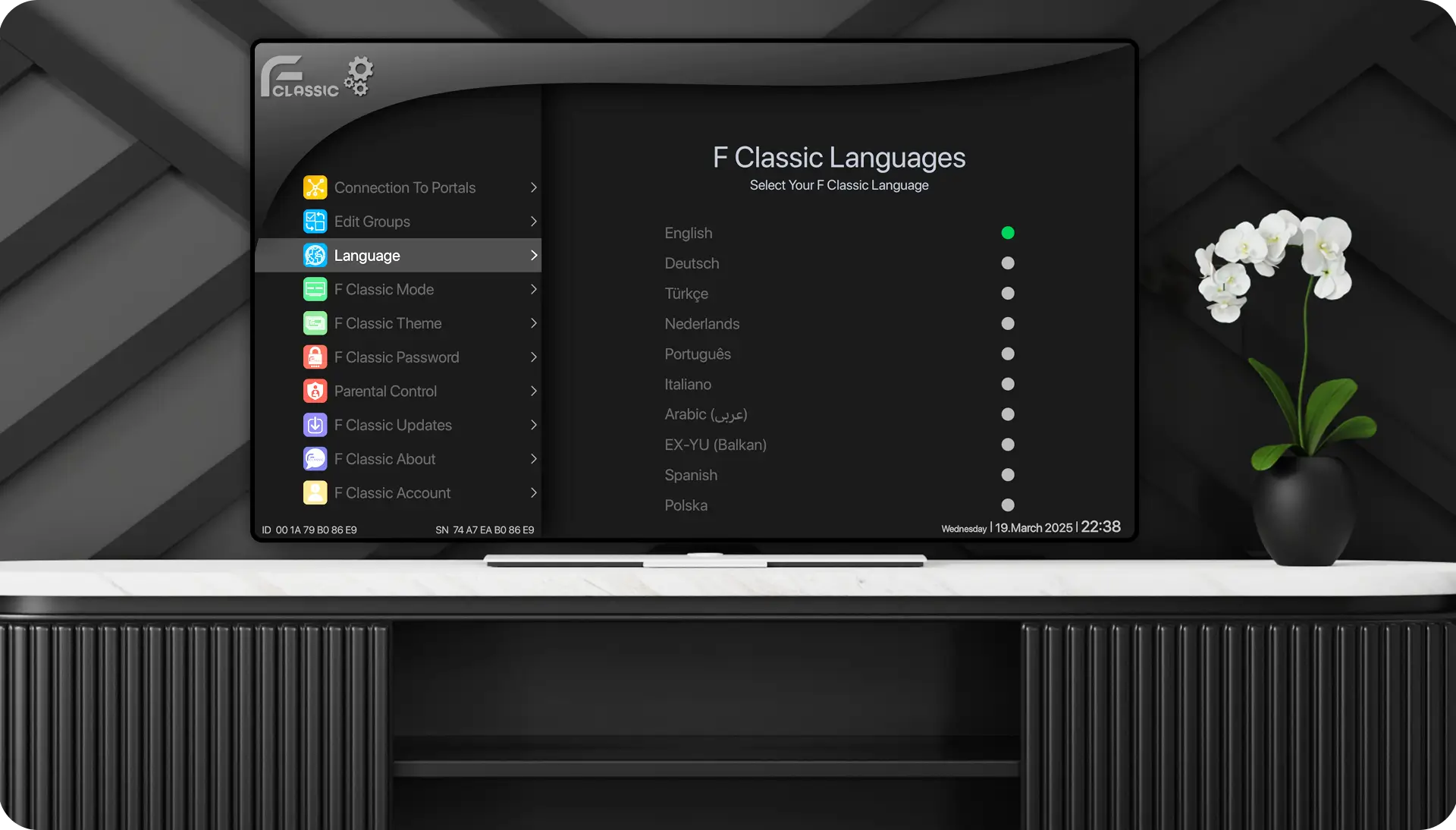
Use Appforce Classic in the language you're most comfortable with. Switch easily between multiple languages for a more personalised, user-friendly experience.

Download Now

Multi-Language Supported M3U Player

Multi-language Supported Media Player Application

Use Appforce Classic in the language you're most comfortable with. Switch easily between multiple languages for a more personalised, user-friendly experience.

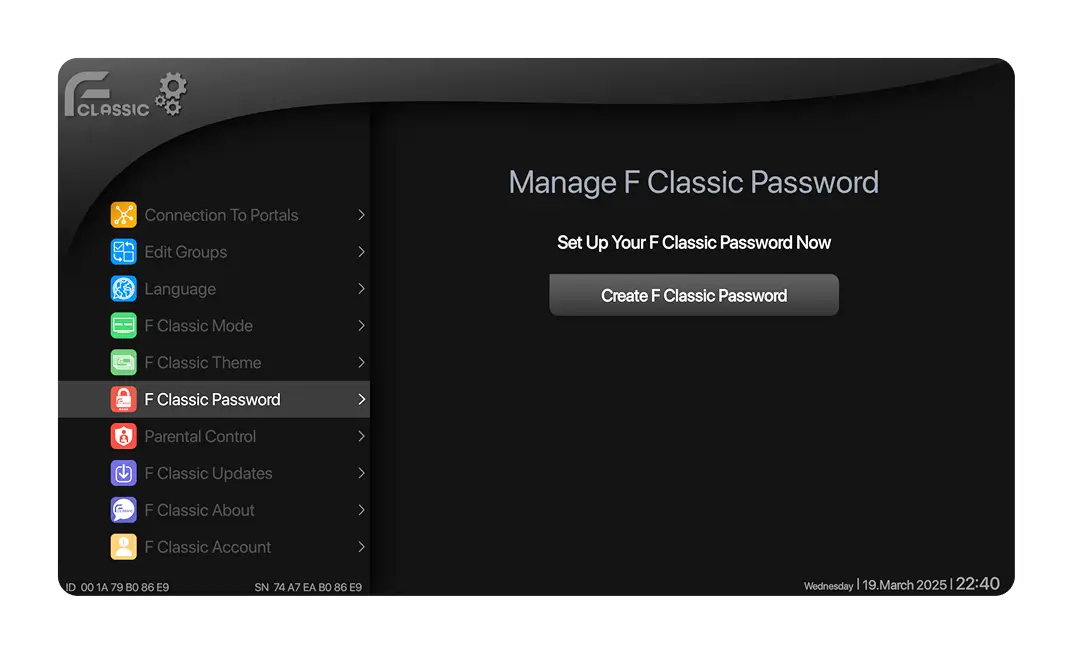
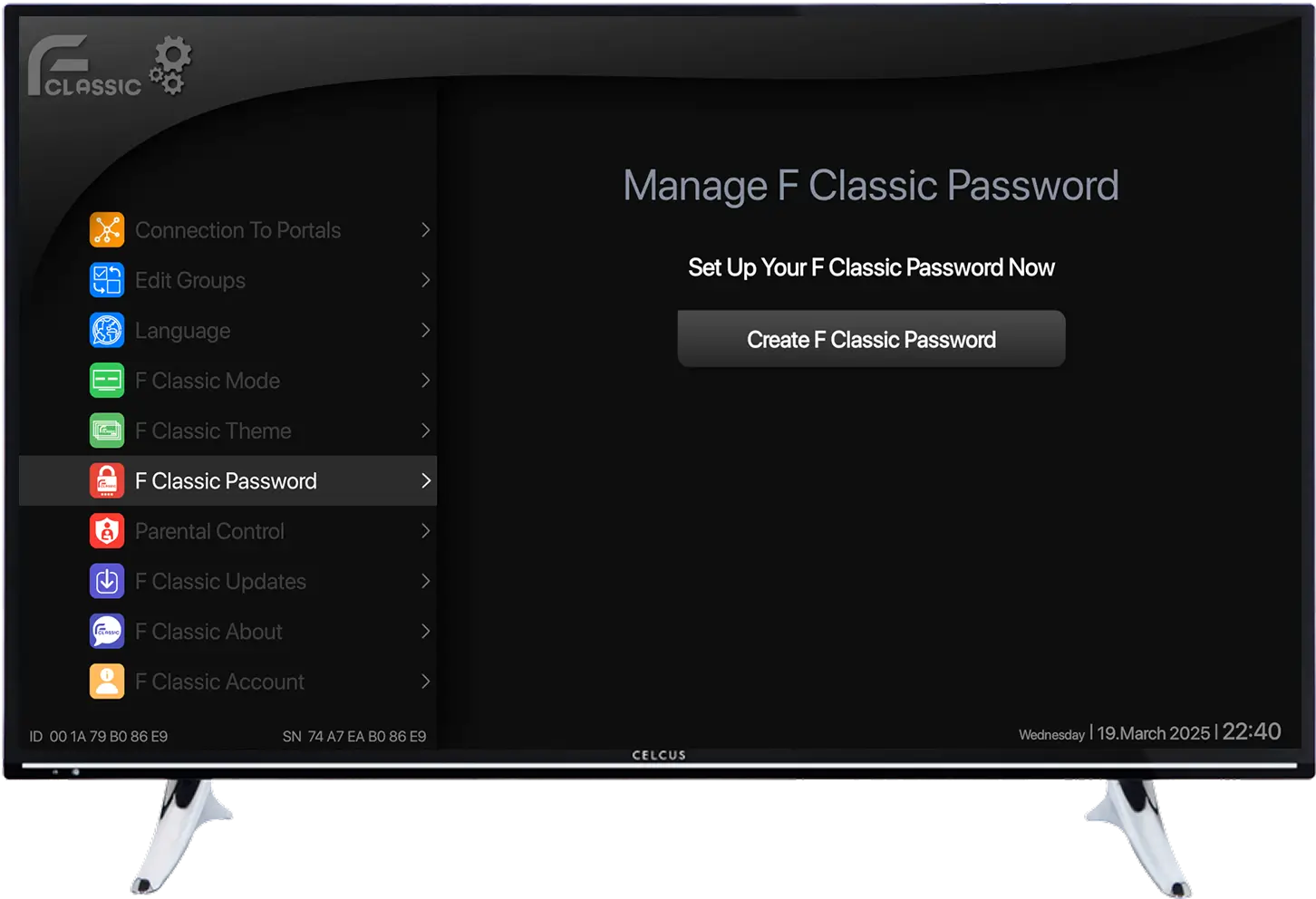
Manage Password app password key

Keep Your App Password Protected

AppForce - F Classic password settings on STB IPTV Player

Keep your playlists and settings secure with built-in password protection. Add an extra layer of privacy to keep unauthorized users out.

password icon
line icon

Manage Password app password key

Keep Your App Password Protected

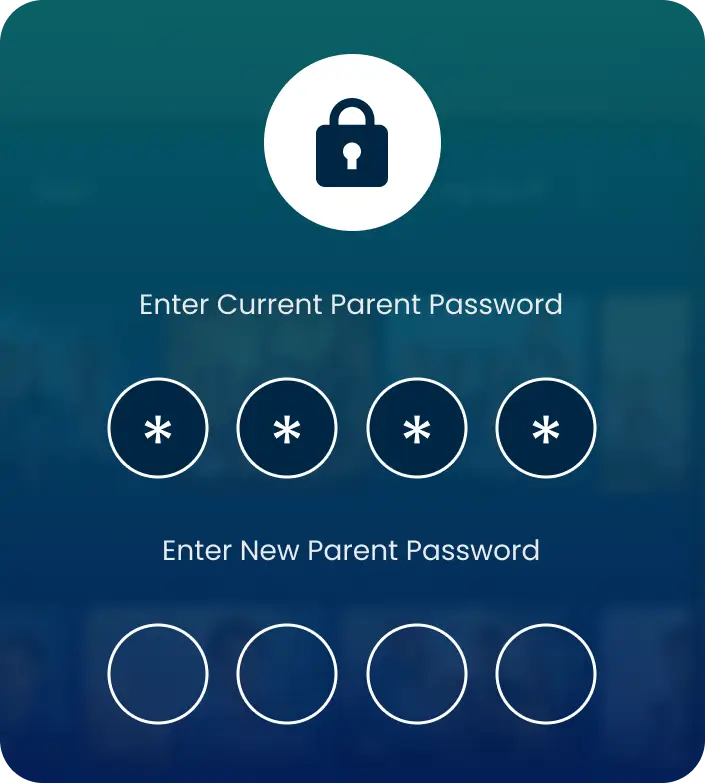
AppForce Classic allows you to add a password to your app to keep it protected.

manage password
line icon

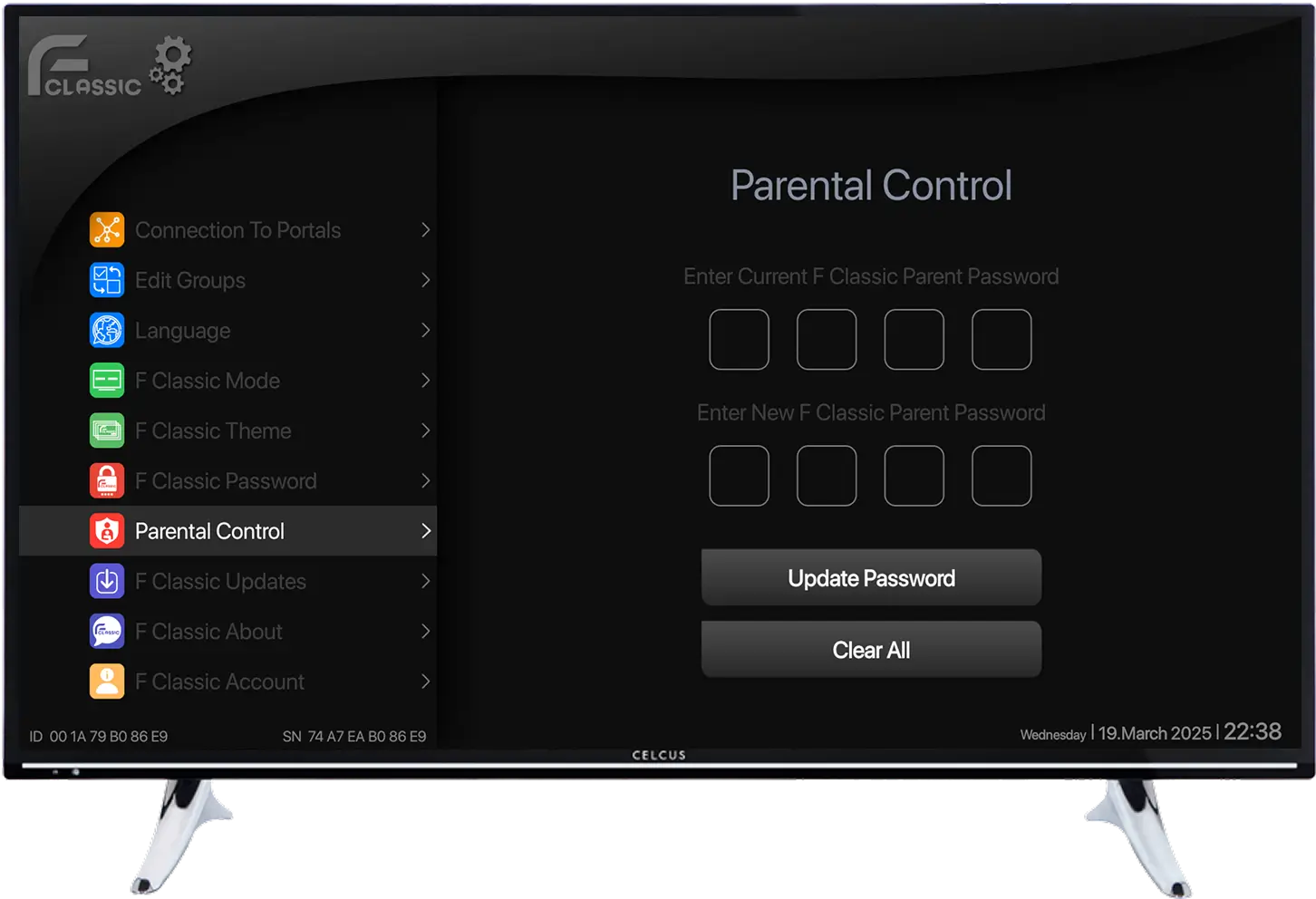
Parental

Control Feature

line icon

Want to control access to certain content for kids or other family members?

Secure specific channels or content groups with password protection so only authorised users can access them.

line icon
parental control protection passwordupdate passwordclear all

Want to control access to certain content for kids or other family members?

Secure specific channels or content groups with password protection so only authorised users can access them.

STB Player parental control screen showing password protection

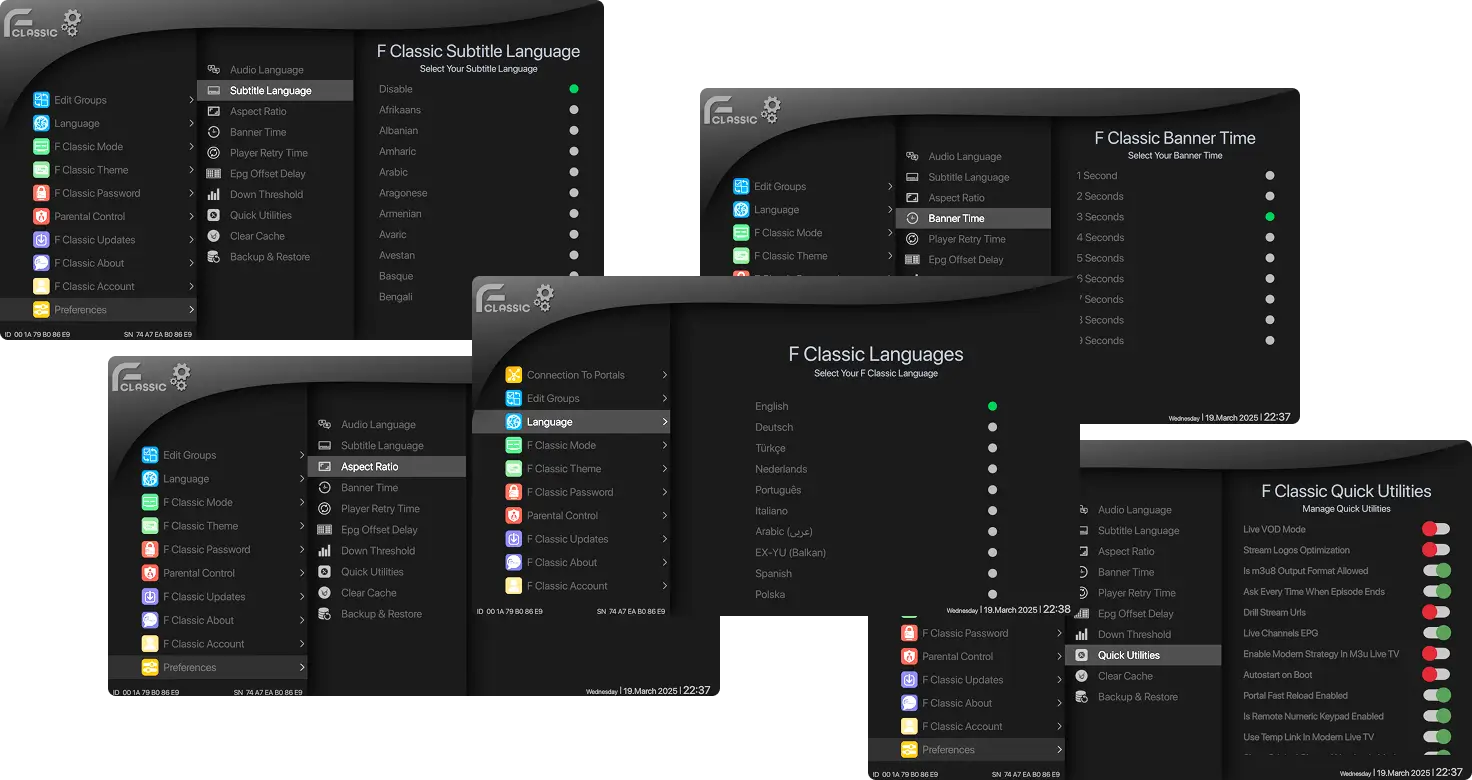
Appforce Classic STB Player Controls Settings

  • Audio Track Selection - Switch between available audio tracks instantly to enjoy your preferred listening experience.
  • Subtitle Language Support – Choose your preferred subtitle language for comfortable, personalised viewing.
  • Aspect Ratio Control - Adjust the screen ratio to match your display and viewing preferences perfectly.
  • Quick Utilities – Access essential playback tools and settings quickly without interrupting your experience.

Appforce Classic STB Player

Choose Your Preferences

  • Audio Track Selection - Switch between available audio tracks instantly to enjoy your preferred listening experience.
  • Subtitle Language Support – - Choose your preferred subtitle language for comfortable, personalised viewing.
  • Aspect Ratio Control - - Adjust the screen ratio to match your display and viewing preferences perfectly.
  • Quick Utilities – - Access essential playback tools and settings quickly without interrupting your experience.
STB IPTV Player language settings screen on TV
icon
best media player in germany
left boder

Multi-Screen

right border

Switch Between Content Effortlessly

appforce-classi-multiscreen

Open and manage multiple screens simultaneously without interrupting your viewing experience. Switch between content quickly and effortlessly with smooth, responsive navigation.

icon

Simple & User-Friendly M3U Player Interface Player Interface

Navigate with confidence through a clean, responsive interface designed for simplicity and speed. Easily access your playlists, settings, and favourite features with smooth navigation and an intuitive layout that enhances every viewing experience.

User-friendly STB IPTV Player interface on AppForce Classic

Why Choose Appforce Classic as your M3U Playlist Player

AppForce Classic is more than just a STB Media Player App; it's a high-performance solution designed for speed, reliability, and effortless navigation. Whether you're looking for a dependable M3U Media Player App for Android TV or a powerful STB Player for Fire TV Stick, AppForce Classic delivers smooth playback, easy playlist management, and a modern interface built for everyday use.

  • User Experience
  • Performance
  • QR Code Feature
  • Supports Playback
  • Multiple Streaming Feature
  • Personalization Option
  • Parental Control
  • Multi-language Support
  • Supports Multiple Formats
  • Manage Password
best-germany-media-player

Simple & User-Friendly M3U Player Interface
Player Interface

Navigate with confidence through a clean, responsive interface designed for simplicity and speed. Easily access your playlists, settings, and favourite features with smooth navigation and an intuitive layout that enhances every viewing experience.

User-friendly STB Media Player interface on AppForce Classic
left boder

Our TMDB Feature Guide

right border

Discover Rich Movie & Series Details

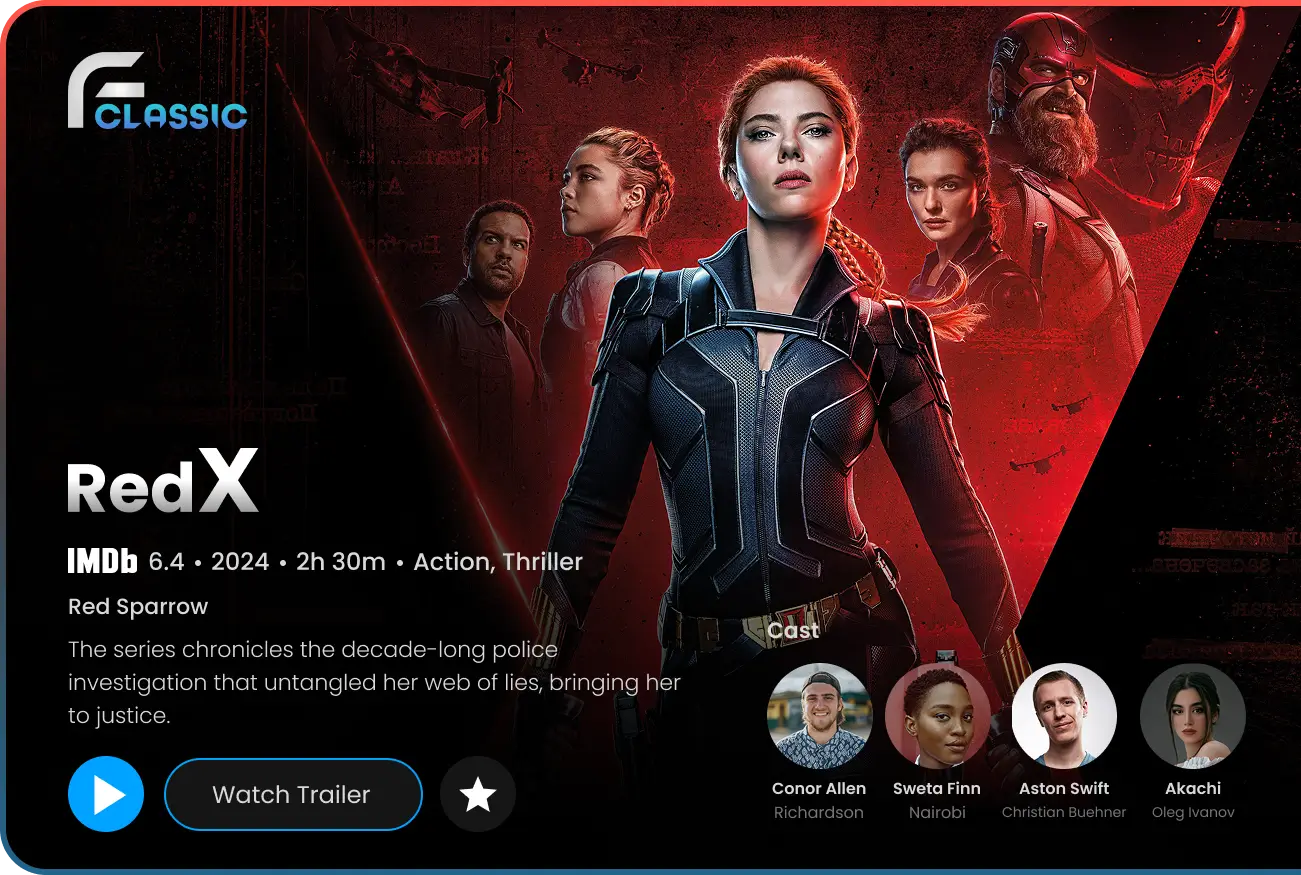
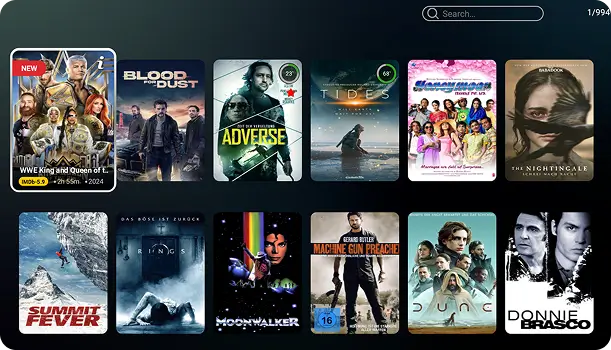
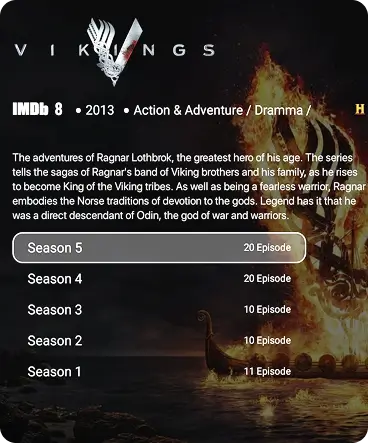
Browse through your favourite movies and series with full info right at your fingertips. From IMDb scores and official logos to cast lists and trailers, everything is organised to help you find what movie to watch next. Save your go-to titles in My Favourites and jump straight back into your content with Automatic Progress Tracking. The app also manages episode runtimes and language options. At the same time, smart background loading ensures you never get held up by slow screen loads.

appforce-classi-feature-highlight
left boder

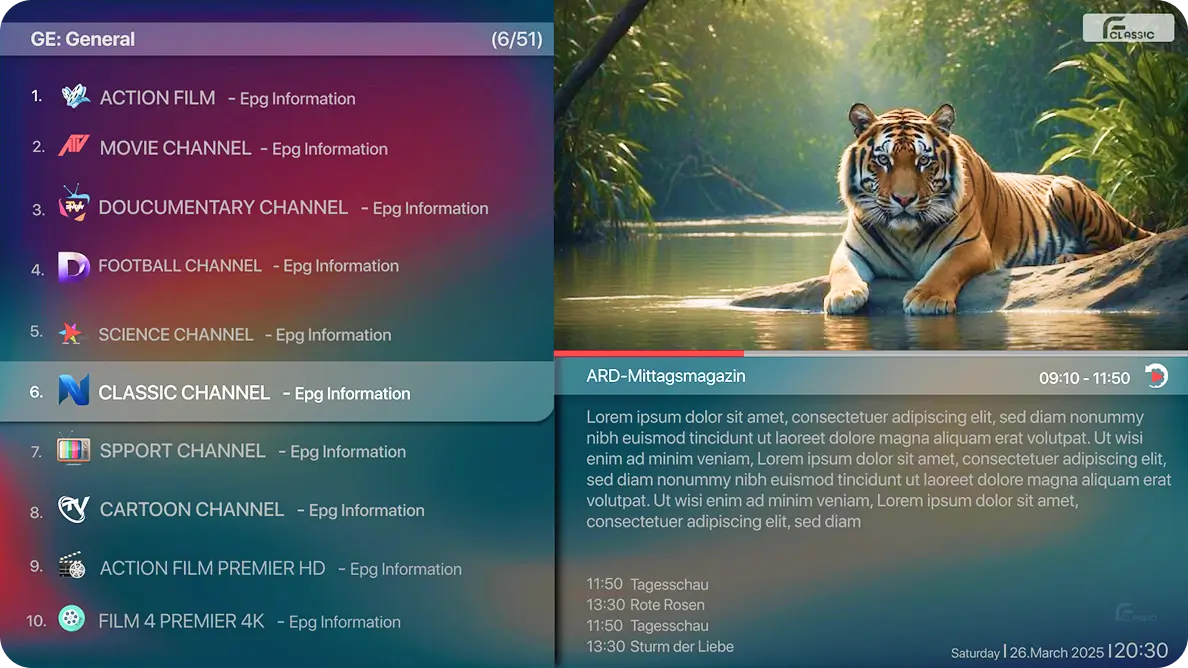
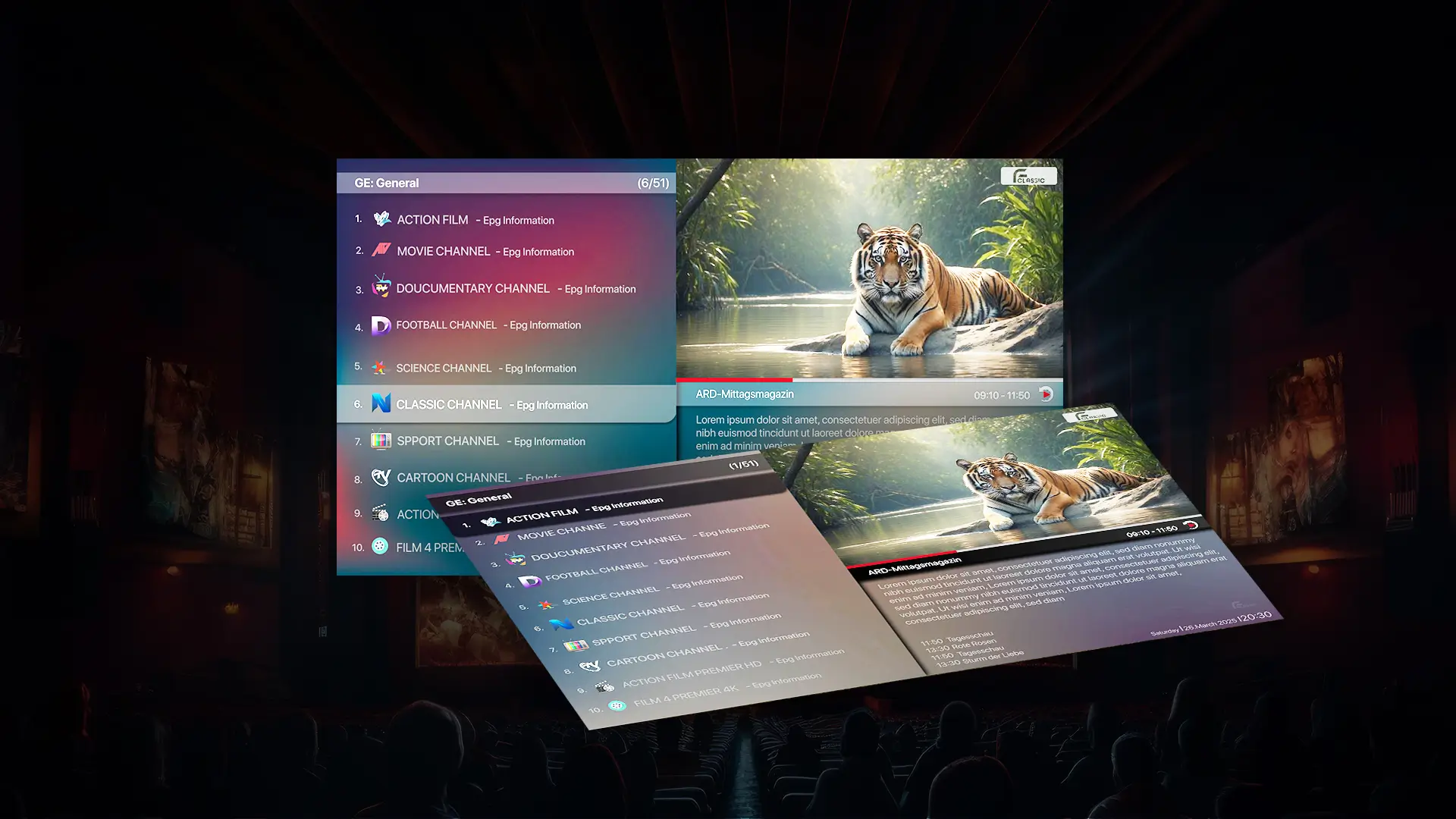
EPG, Catch-Up and Channel Recall Features

right border

Replay, Browse, and Switch Channels Effortlessly

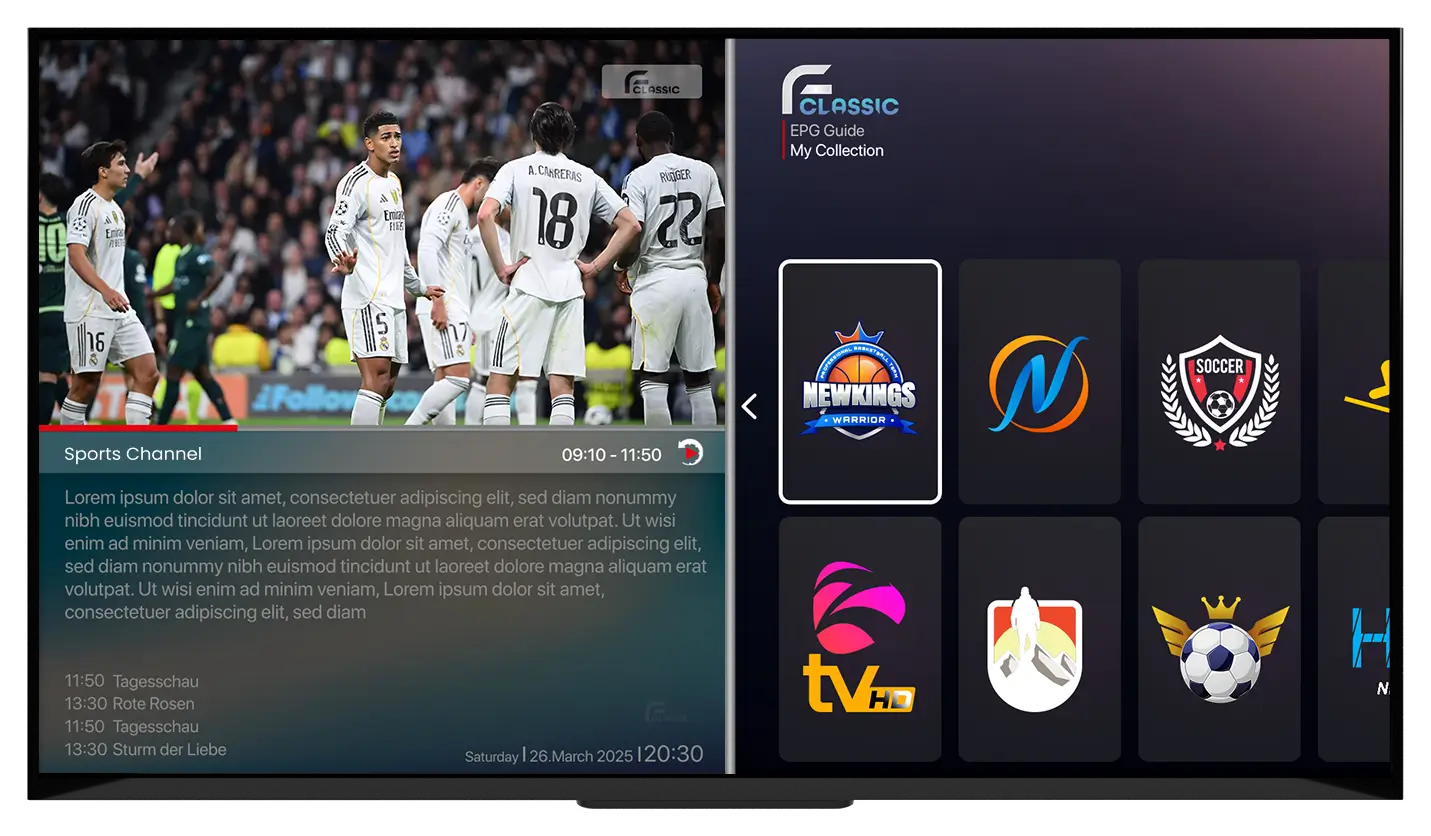
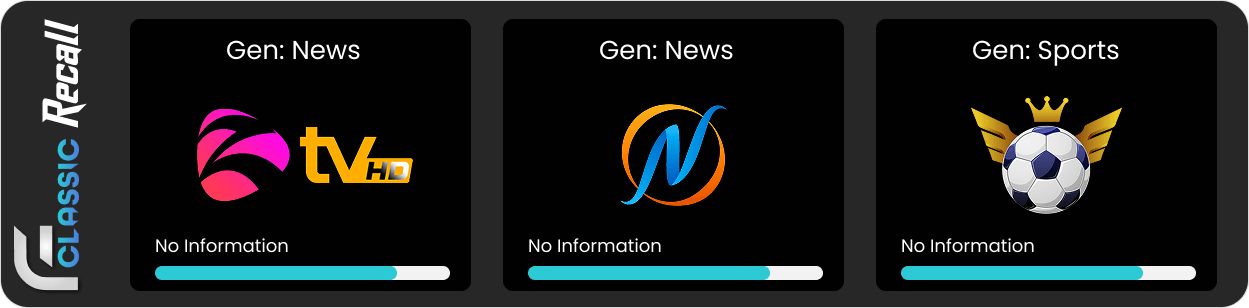
Keep up with all your live and recorded television without any fuss. The built-in EPG gives you a clear look at what’s on today and throughout the week. If you happen to miss a show, simply head to the Catch-Up section to stream past broadcasts on demand. Plus, with instant channel recall, you can flick back and forth between recent channels without searching through long lists every time.

epgcatchUp
search

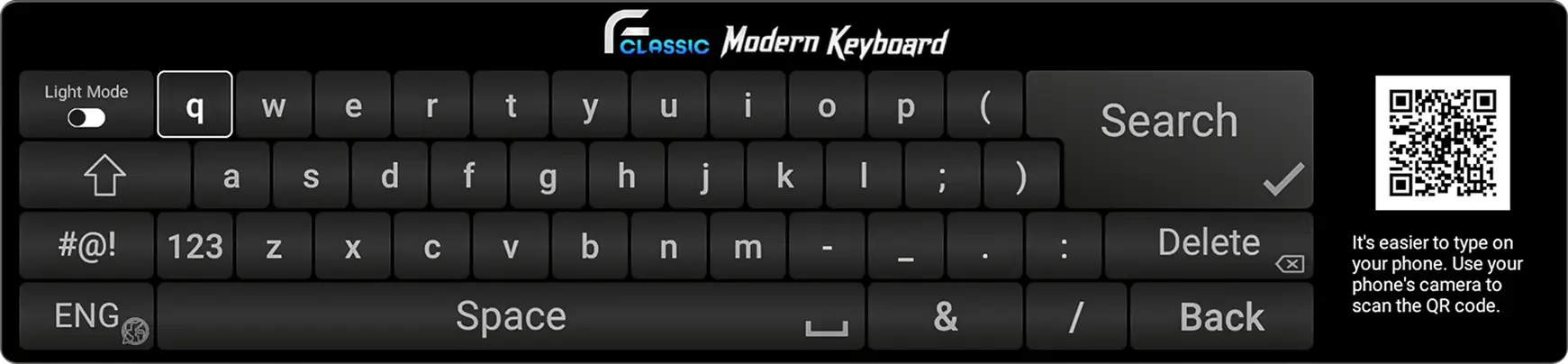
Type Faster With Appforce Classic Built-In Keyboard

Enter portal URLs, credentials, and other information easily with the built-in custom keyboard. It makes typing quicker, more accurate, and far more convenient than a standard TV keyboard.

arrow icon
icon line

Why Choose Appforce Classic as your M3U Playlist Player

AppForce Classic is more than just a STB Media Player App; it's a high-performance solution designed for speed, reliability, and effortless navigation. Whether you're looking for a dependable M3U Media Player App for Android TV or a powerful STB Player for Fire TV Stick, AppForce Classic delivers smooth playback, easy playlist management, and a modern interface built for everyday use.

  • User Experience
  • Performance
  • QR Code Feature
  • Supports Playback
  • Multiple Streaming Feature
  • Personalization Option
  • Parental Control
  • Multi-language Support
  • Supports Multiple Formats
  • Manage Password
TV screen showing AppForce Classic STB Player Android features

Get Free 3-Day Trial

Download the Best STB IPTV Player now to get a free 3-day trial and enjoy your favorite shows by adding your list without any interruption.

Start Free Trial
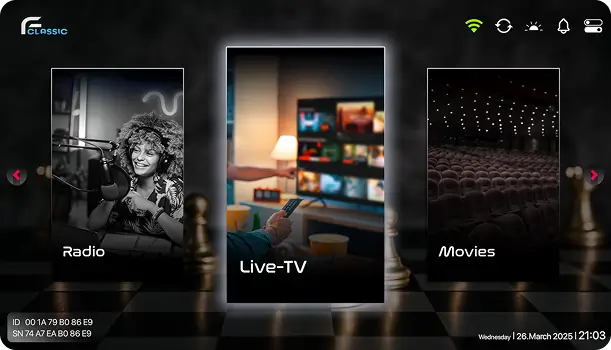
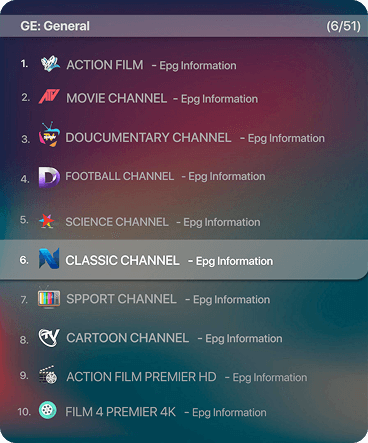
STB IPTV Player interface with Live TV, Radio, and Movies options

What Our Customers Say

testimonial-client

Gabrial

Gabrial

★★★★★

"I’ve tried several IPTV players, but this one is by far the most stable and reliable. The streams load instantly and run smoothly without buffering, even on my older Smart TV. The clean layout makes it super easy to find my channels. Definitely the best STB player I’ve used so far!"

testimonial-client

Sarah K.

Hamburg, Germany

★★★★★

"This platform is a game-changer for my business. The intuitive interface and powerful features have saved me countless hours. Highly recommend!"

testimonial-client

Shawn

Frankfurt, Germany

★★★★★

"What I love most about this IPTV player is how simple and modern it looks. Setting up my playlist took less than a minute, and switching between channels is effortless. The interface feels fast and professional, perfect for everyday use. Highly recommended!"

stb player in europe

Become a Appforce Classic Reseller

become resellerreseller panel

Frequently Asked Questions

AppForce Classic is a media player app in Germany, and our administrators do not help users find playlists. Also, we don't provide any kind of playlists. We are not responsible for the content uploaded to our APP. Please do not buy the app if you do not already have a playlist or Media for the APP, because no channels are included after the activation in this app. Your payment will not be refunded if you buy it without having any list or something is not working.
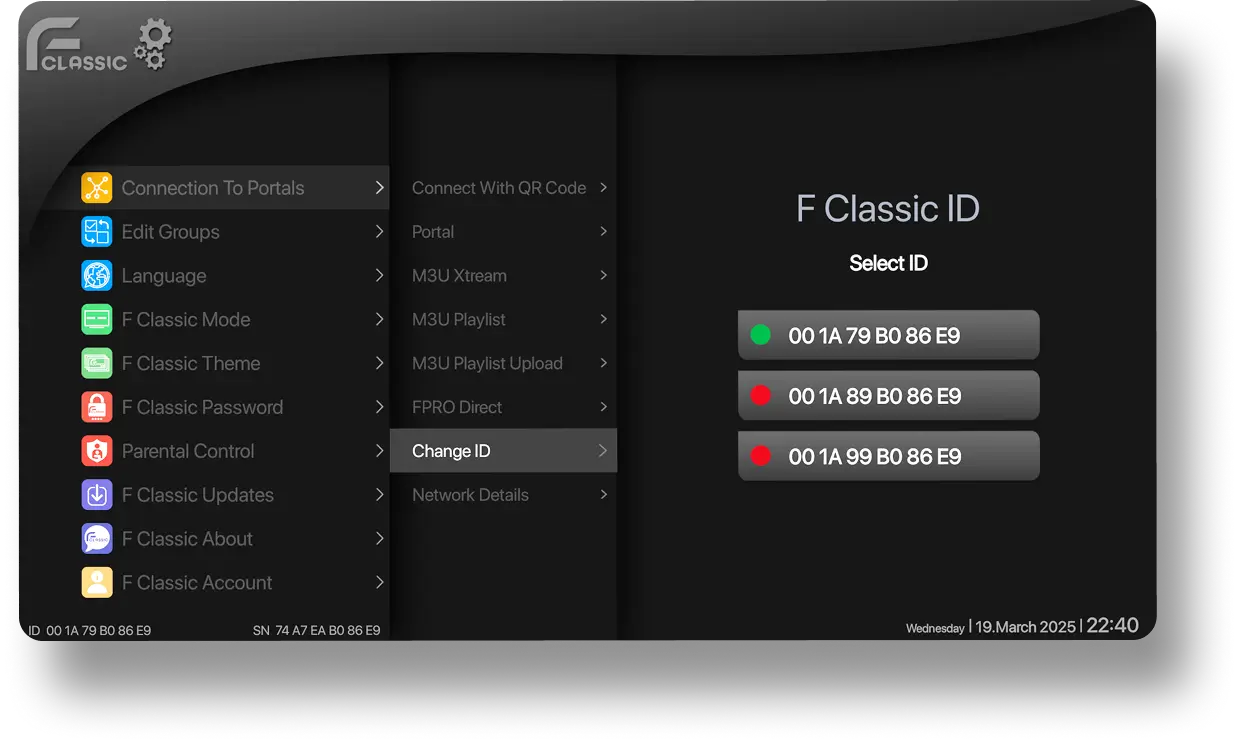
Each TV has 2 MAC addresses (1st is WiFi, 2nd is Ethernet) and a 2nd MAC has activated automatically after you switch to another connection type and restart the app. MAC address is unique for every TV and cannot be changed manually.
This can be caused because of the ISP lock if your computer is on a different Network. But when the network is the same as your computer and it is not working it can be caused because of your TV`s supported format. Not every Smart-TV supports all contents. Every TV model is totally different or may not support specific stream formats!
Make sure your playlist is working and active, that it has no limitations or problems. For privacy reasons we do not have access to the playlists, we do not provide any assistance on them.
Its only for 1 device. you need to buy subscription for your another device.
Get In Touch

Feel Free To Contact Us Anytime

0 + 0